Map & Interaction
Explore maps, control layers and interact with its features.
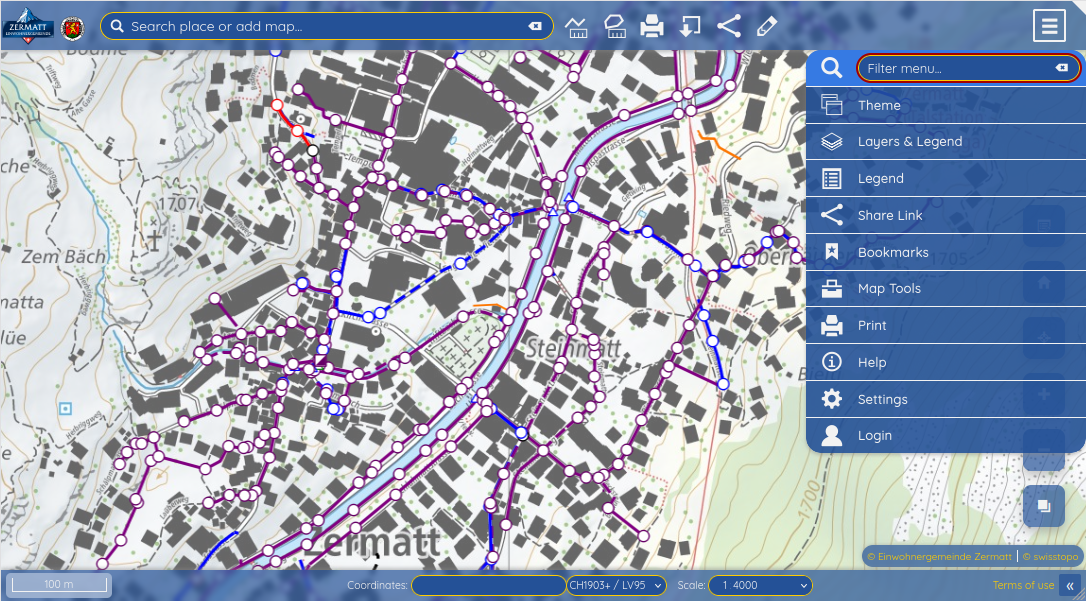
Everything users need to visualize spatial data in the browser, from navigation, layer control to context information.
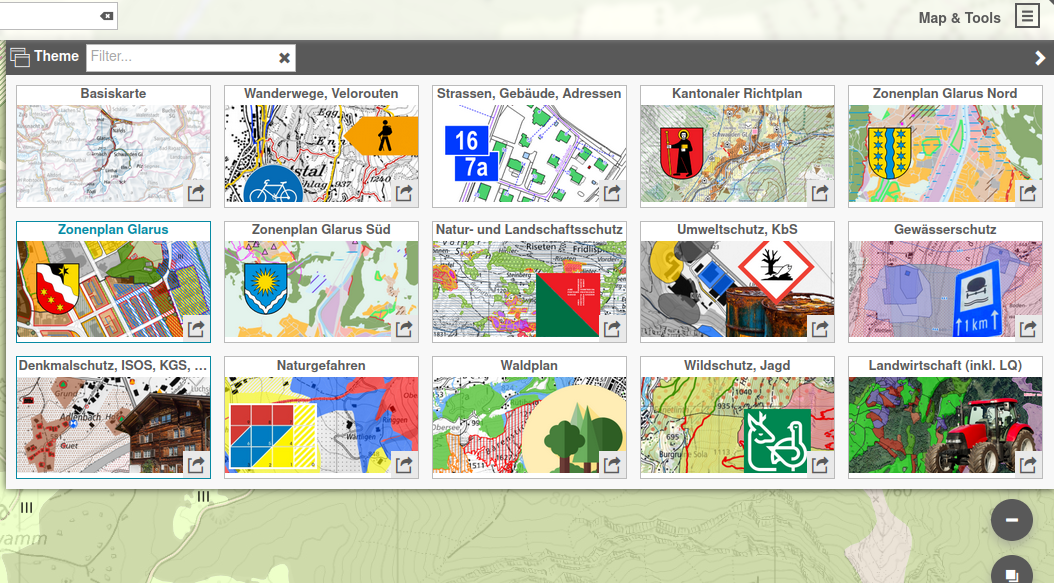
Design QGIS projects with the desired layers and styles and publish them as thematic maps.
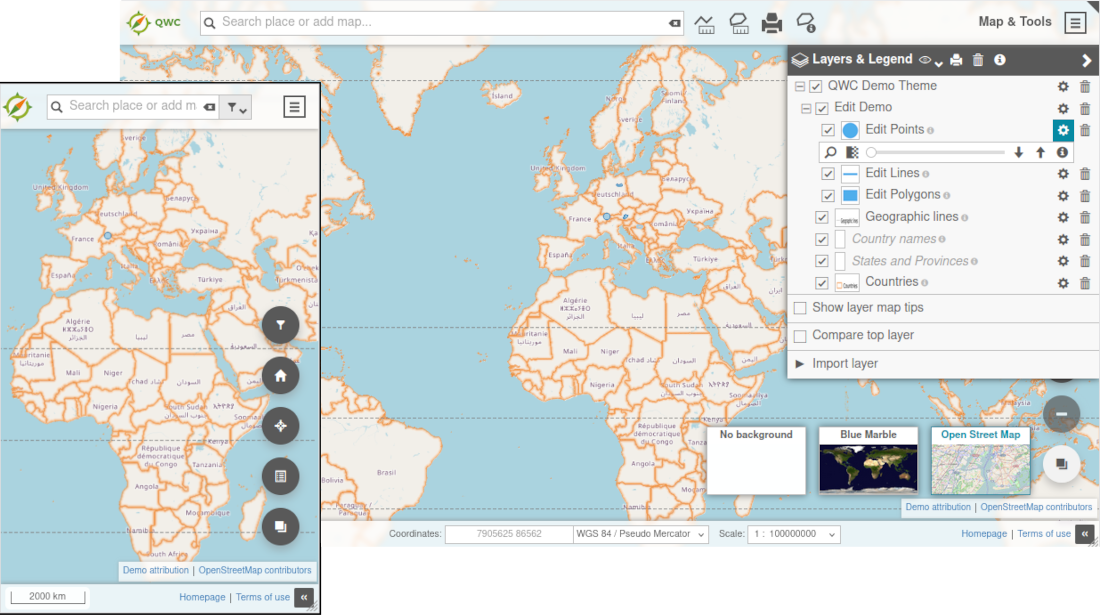
Adjust the visibility, opacity and render order of displayed layers.
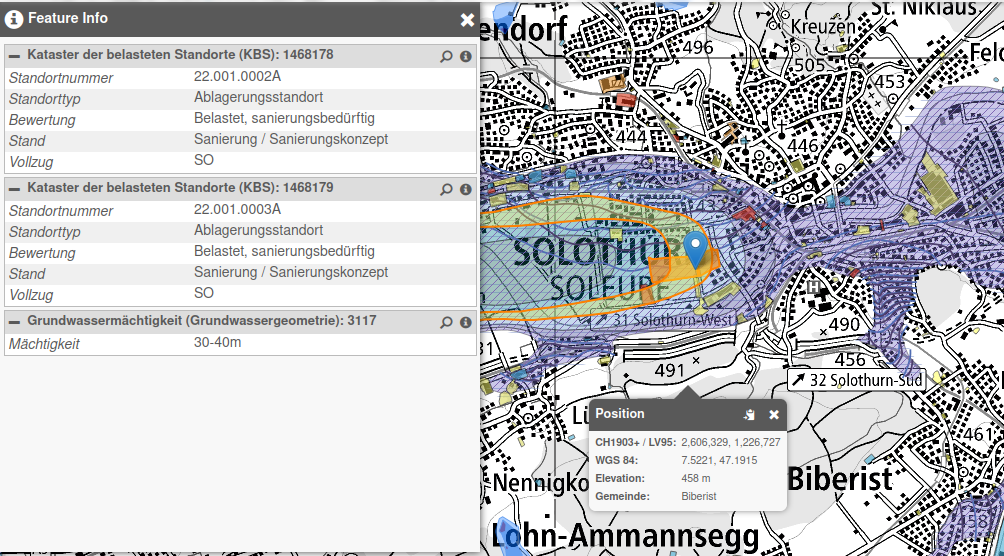
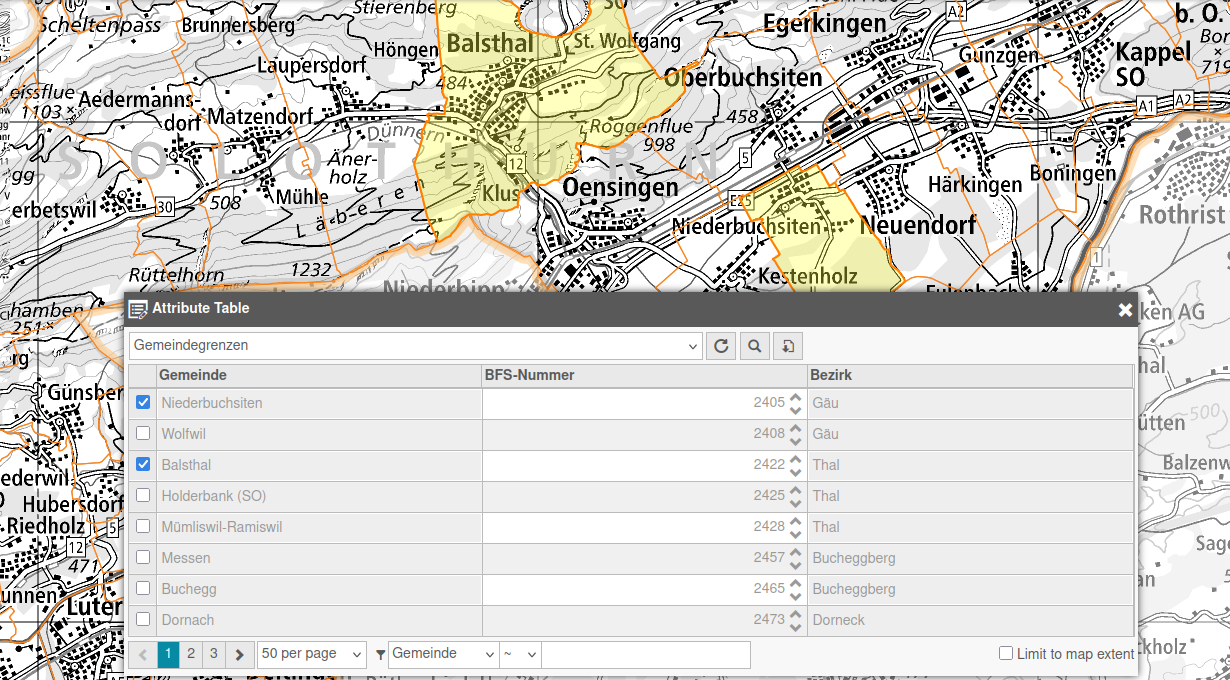
Query and display information and attributes of layers, features and map locations.
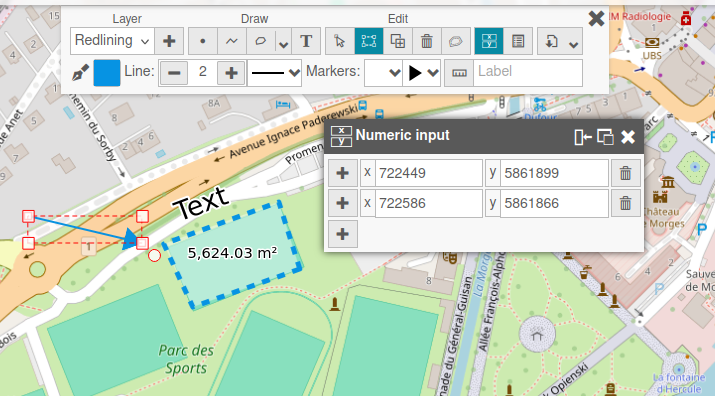
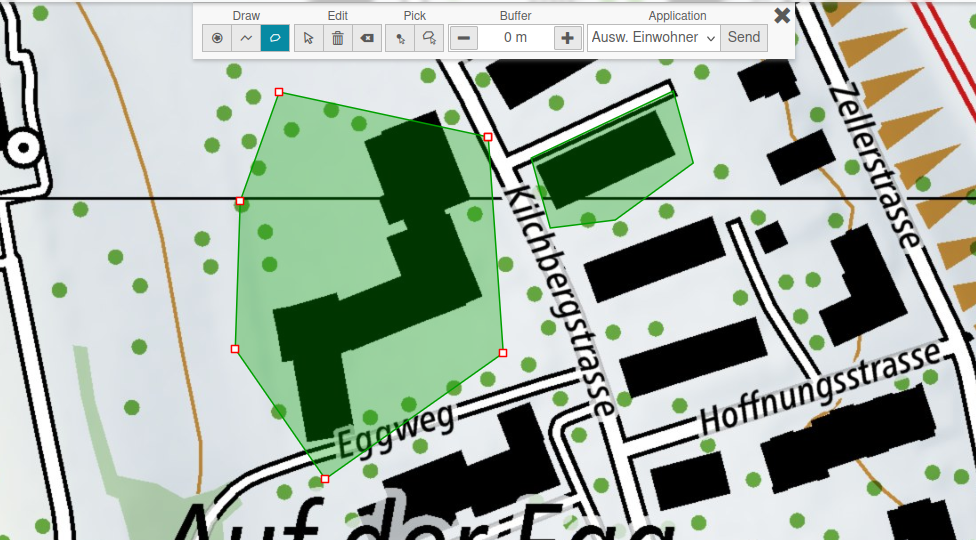
Work directly on top of the map with practical markup and analysis tools.
Add layer from external services such as WMS, WFS, as well as file based formats.
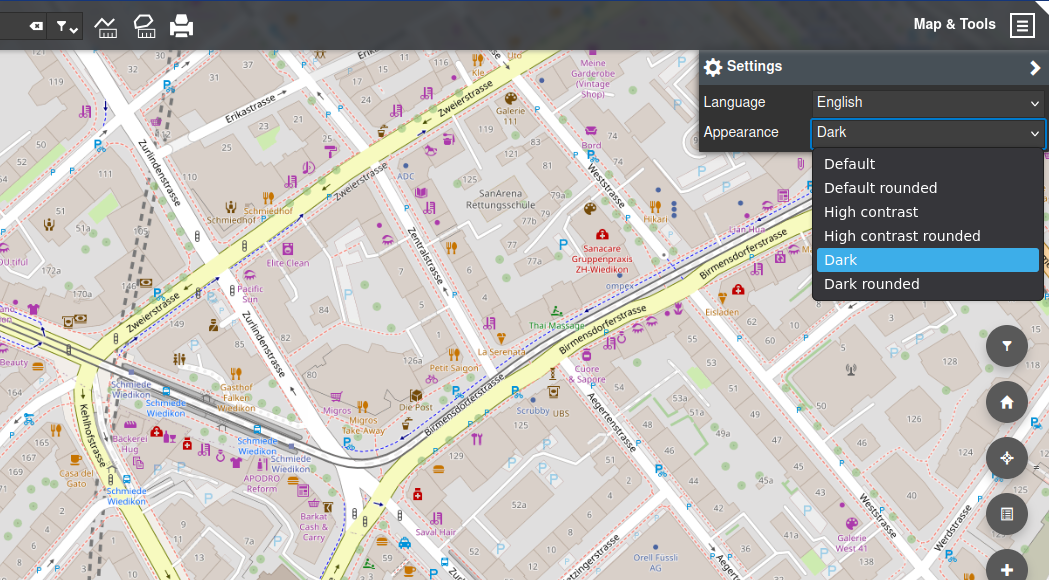
Adaptable and accessible user interface.
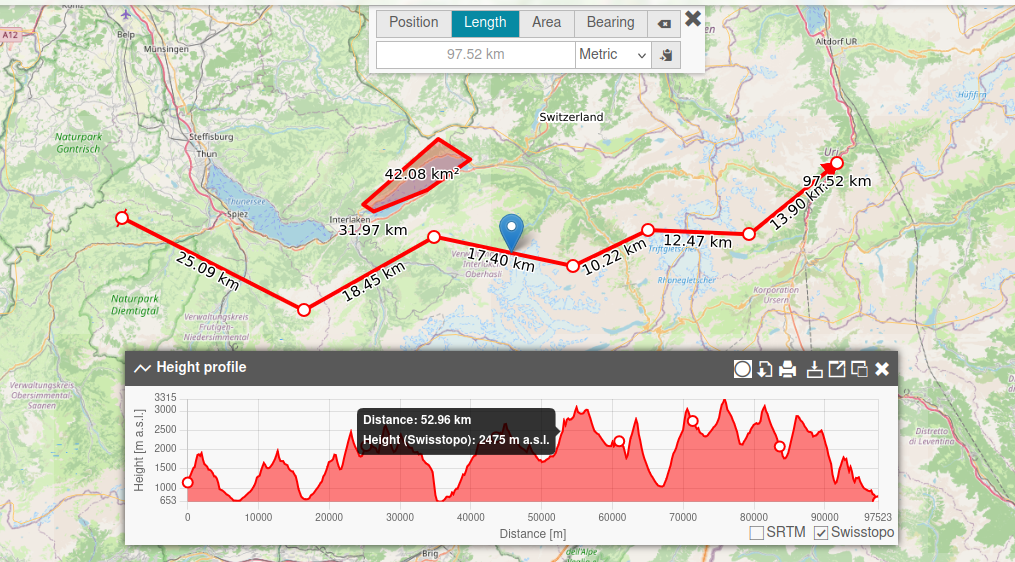
Help users move from question to answer, whether they are searching by text, attributes, or spatial context.
Query customizeable search providers to find places, objects, layers and map tools quickly through a unified search field.
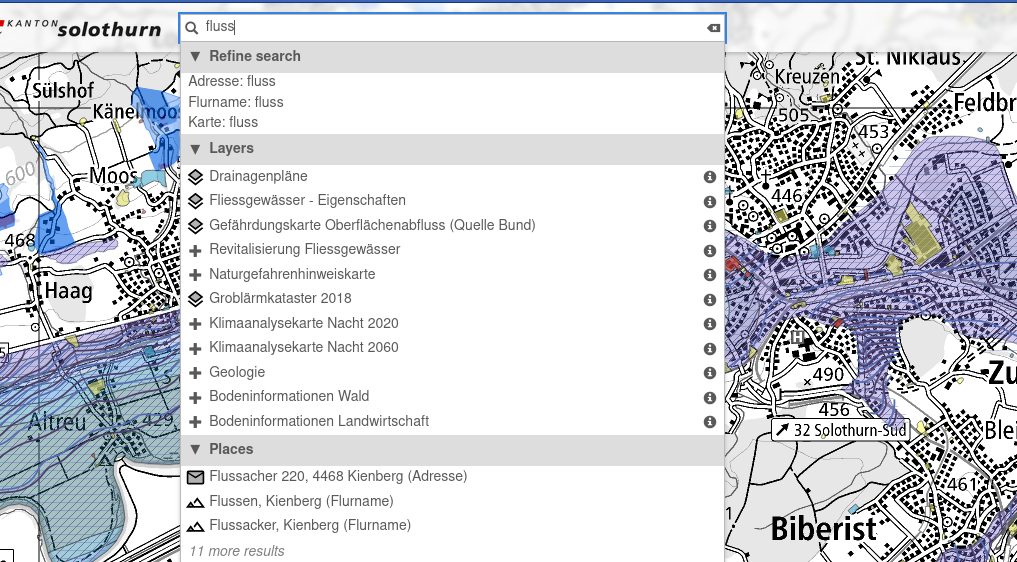
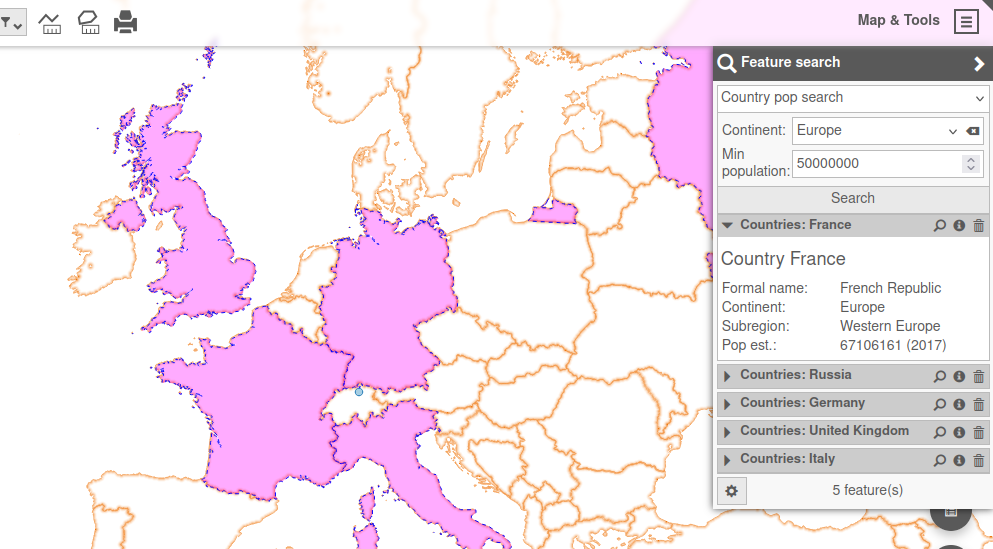
Set up flexible forms to search for features in the underlying QGIS project.
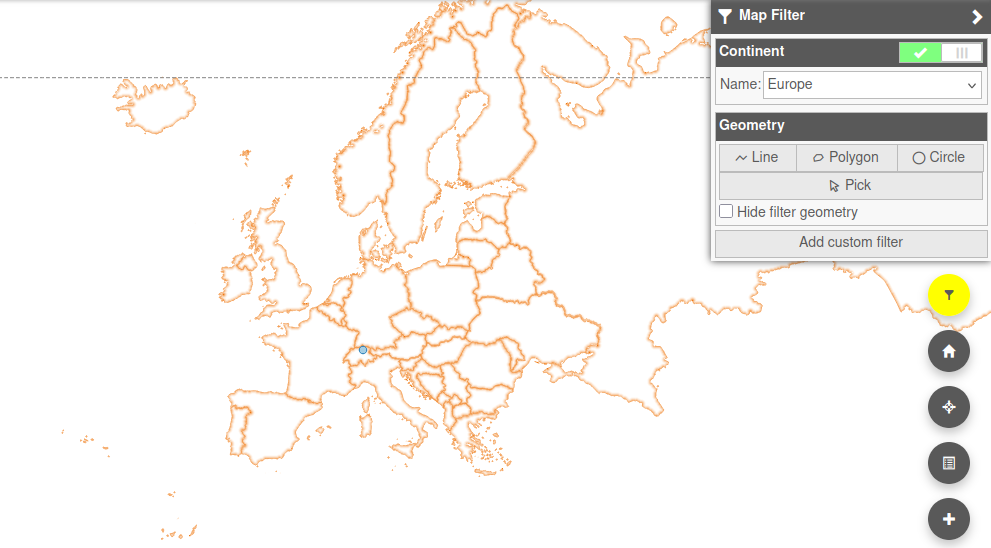
Dynamically apply spatial or attribute filtering to the map contents.
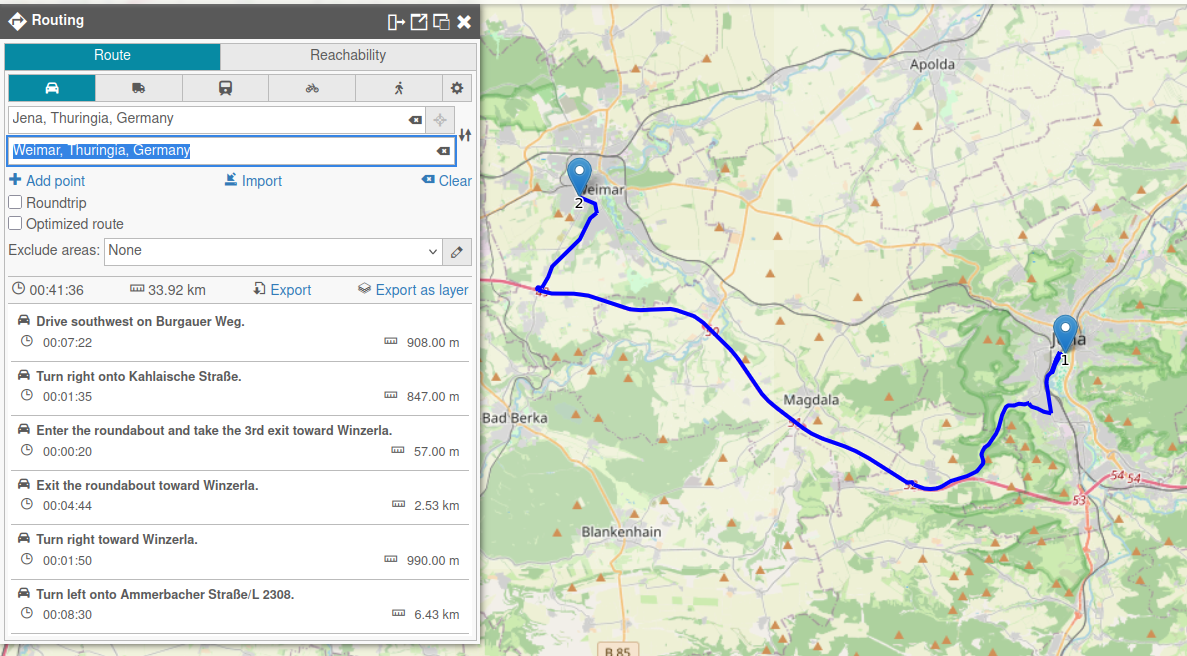
Display optimal routes and isochrones directly on the map.
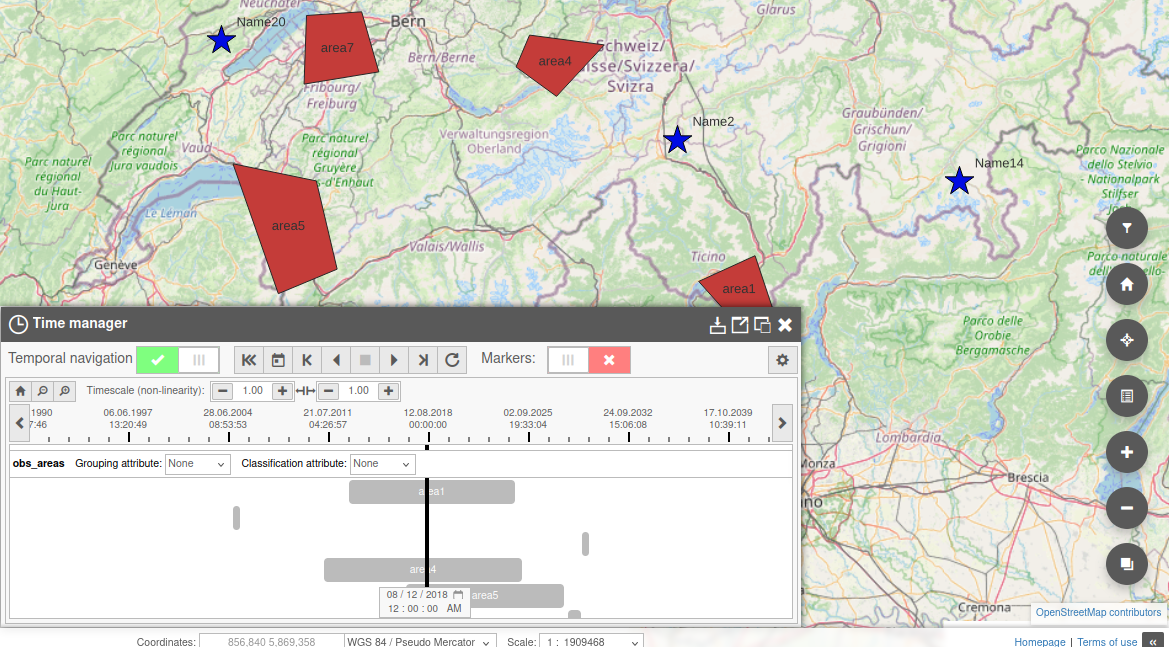
Display timeline of temporal datasets and explore the map at specific points in time.
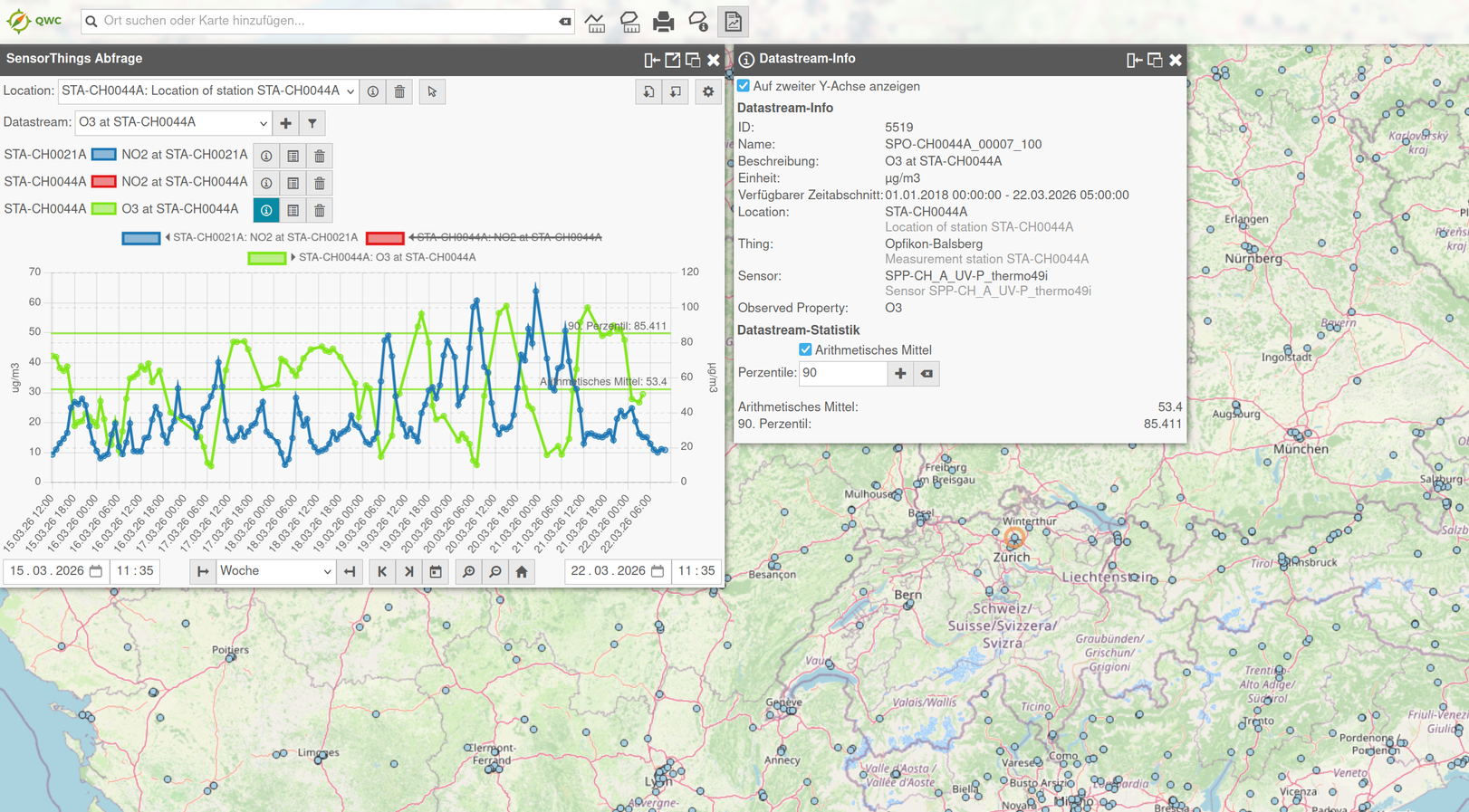
Query and display sensor data from SensorThings APIs.
Export your maps and content into various output formats for publishing, reporting and data exchange.
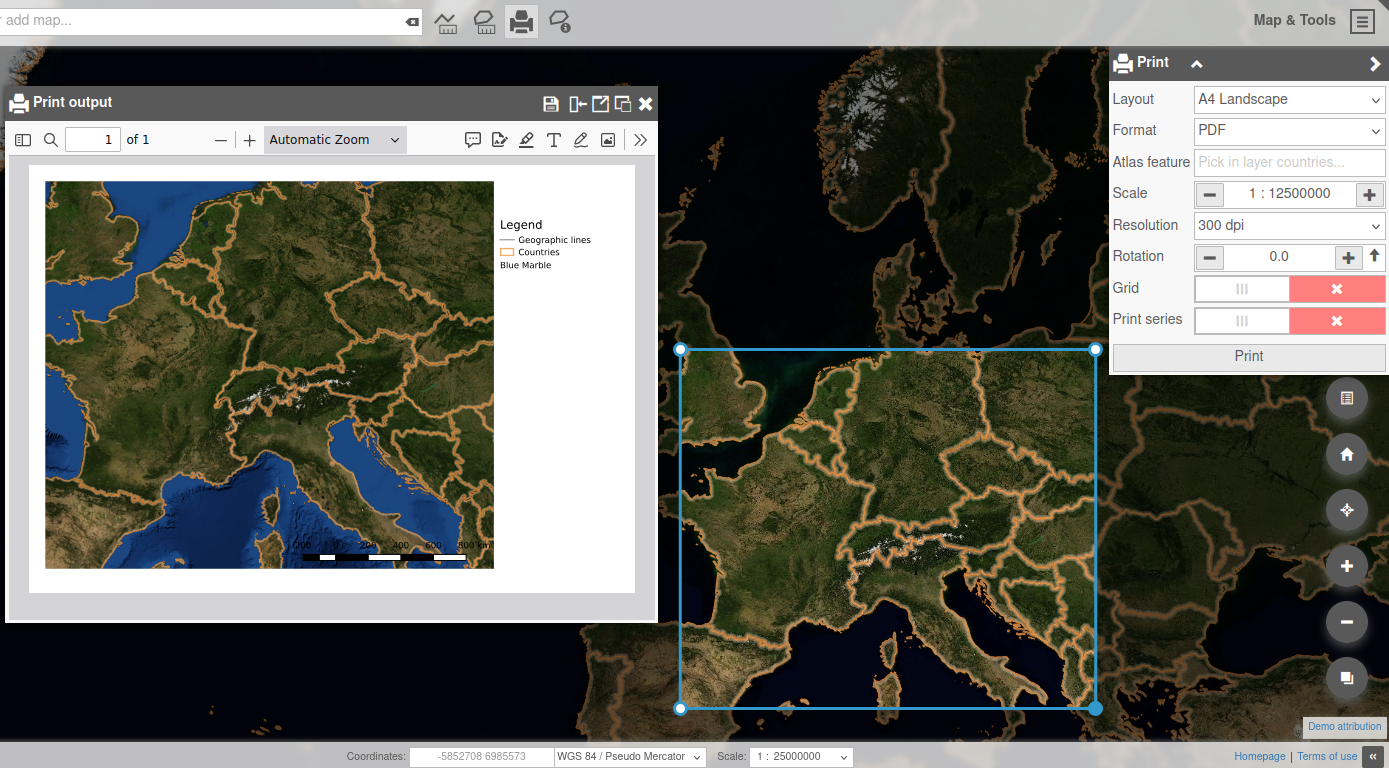
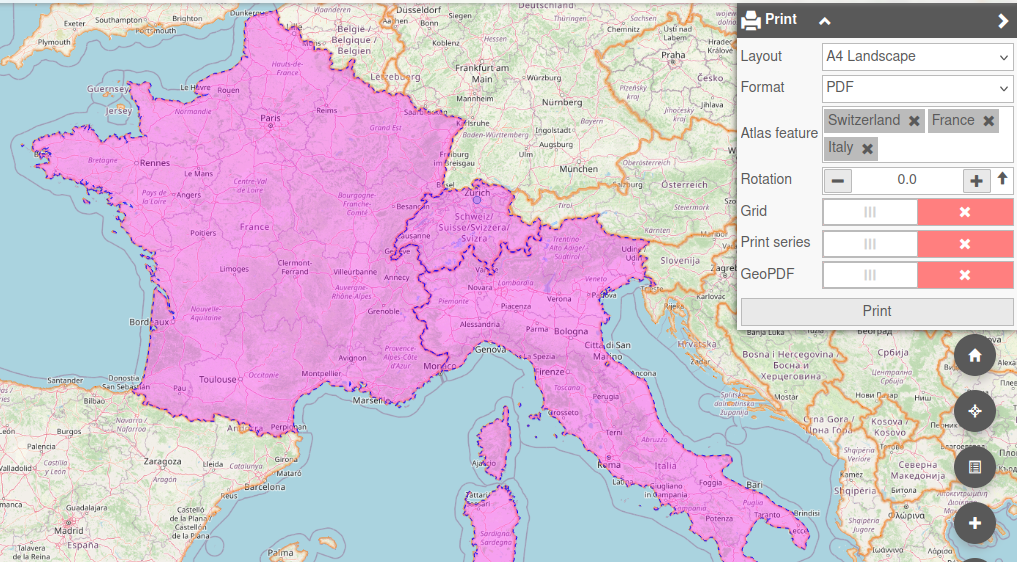
Generate clean, presentation-ready map outputs from layouts prepared in QGIS.
Create multi-page atlas or poster PDFs.
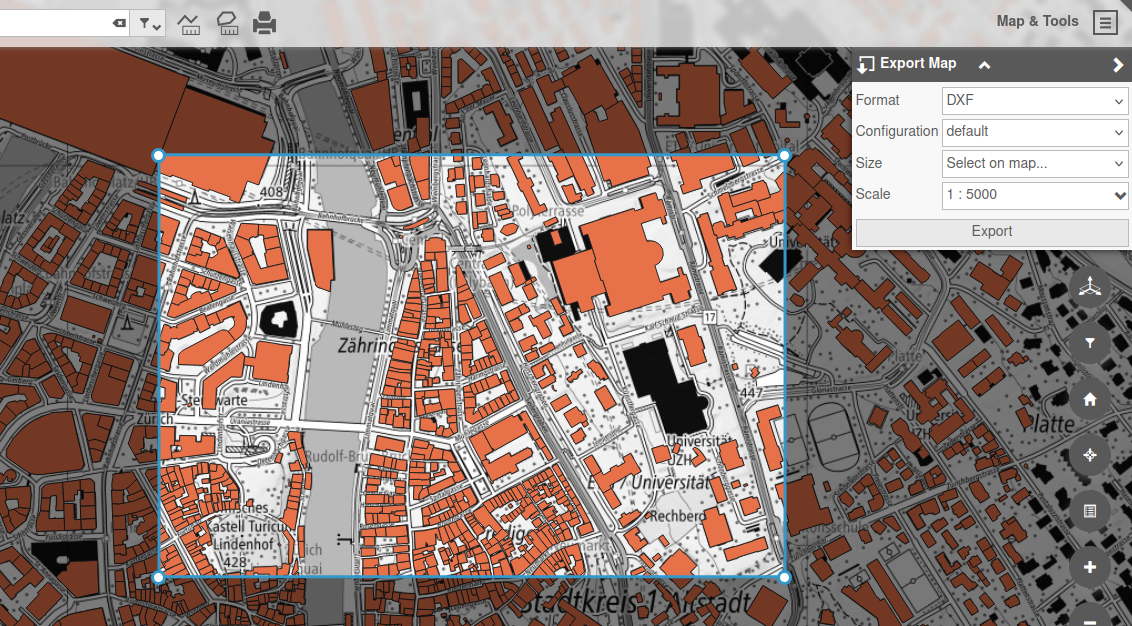
Export map images and feature data for your downstream GIS or office needs.
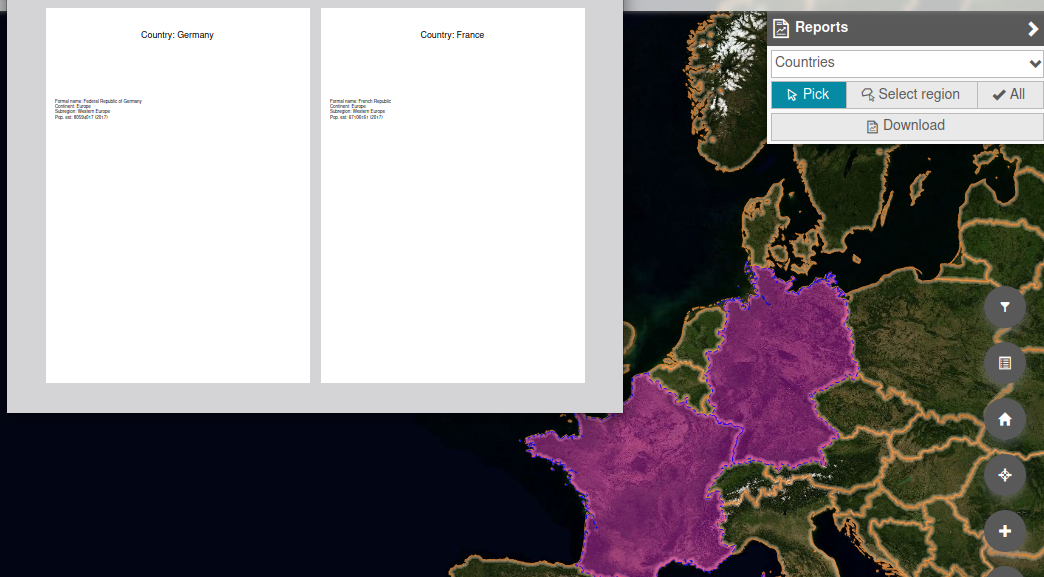
Produce reports and data visualizations in multiple formats from custom templates.
Save and share your work with other QWC users.
Edit objects directly within the application or through interfaces to third-party applications.
Edit PostGIS feature geometries and attributes directly in the browser using a dedicated backend service.
Your QGIS edit forms and field configurations—seamlessly transformed into web forms.
Efficiently display, filter edit and export attributes of entire datasets.
Interface with third-party application for taylored workflows.
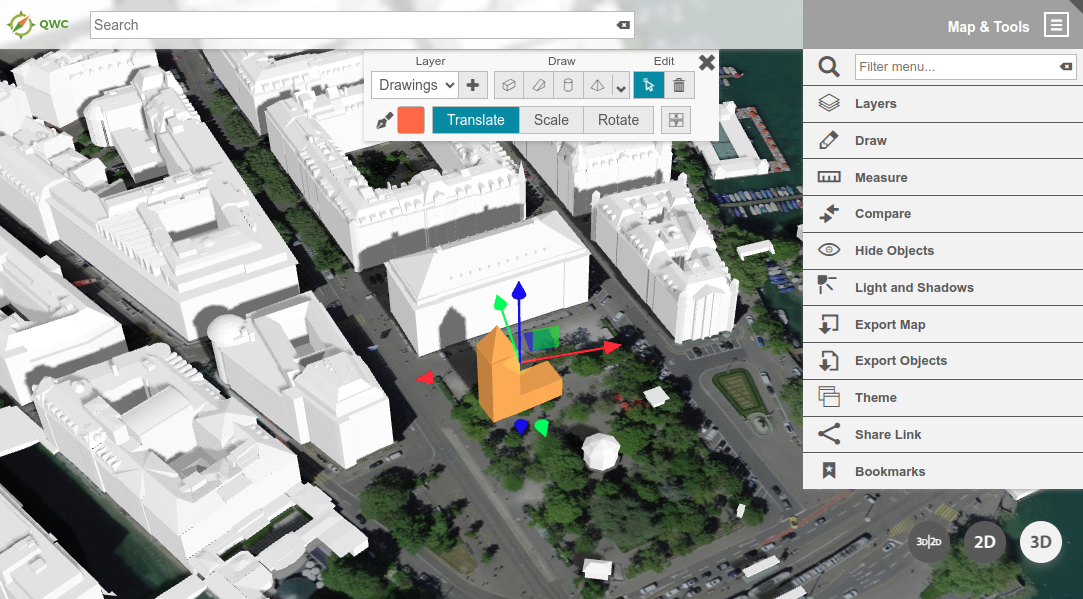
Add an additional dimension to your maps with powerful integrated 3D and street imagery viewers!
Discover the powerful 3D view, based on Three.js and Giro 3D, to display your terrain, 3D Tiles and GLTF datasets.
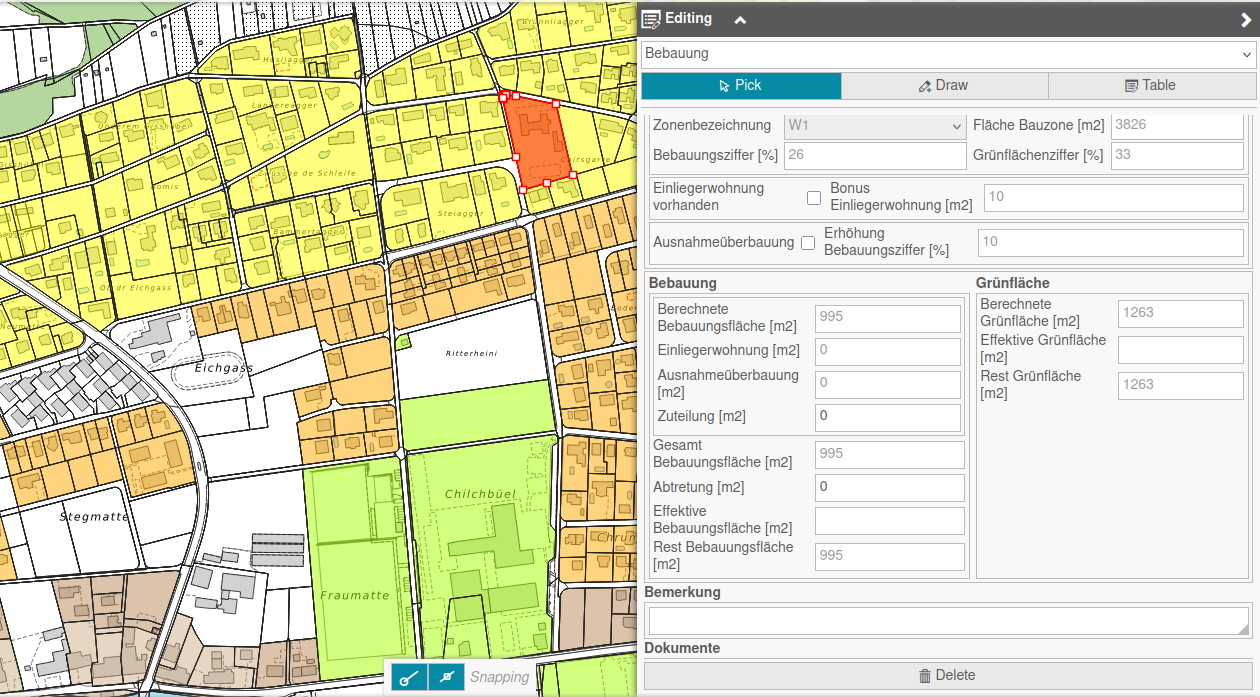
Taylored tools for urban planning.
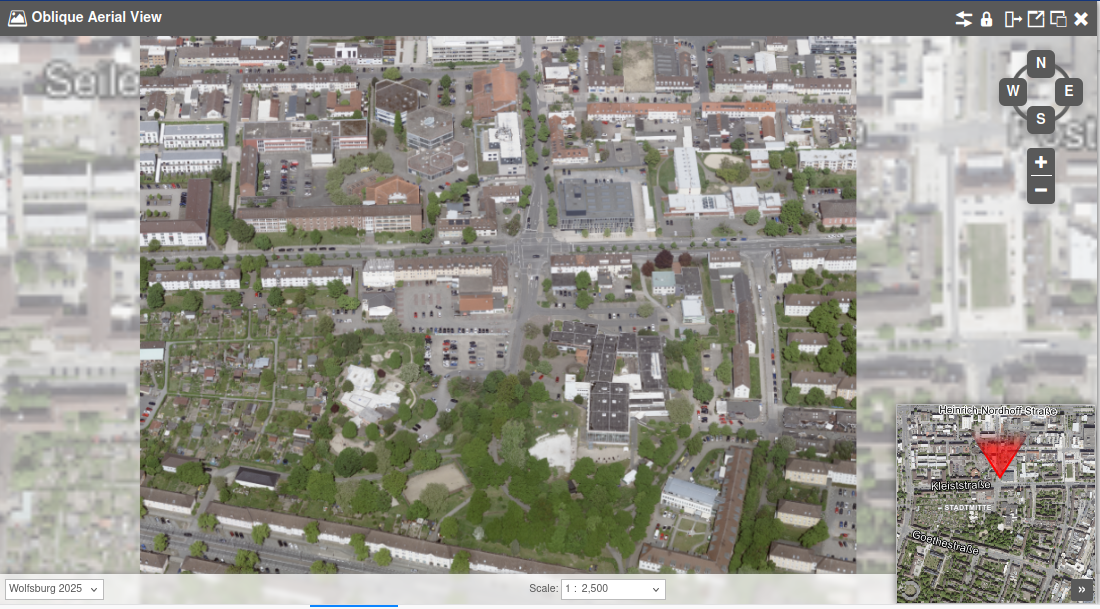
Display oblique satellite imagery, using a dedicated tiled image server.
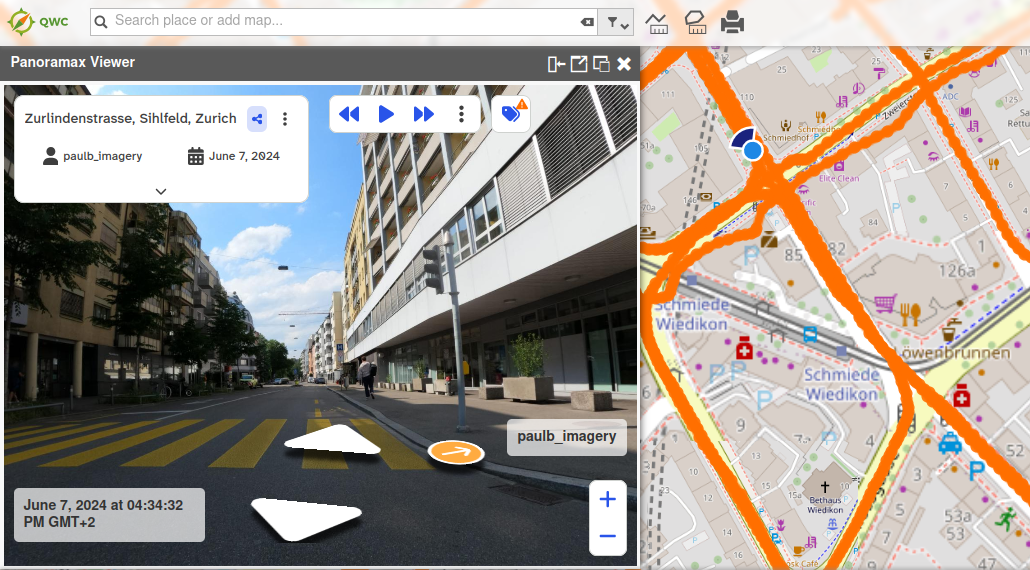
Display 3D panorama images at available locations with the Cyclomedia/Panoramax views.
Keep access control understandable for administrators and seamless for users across maps, data, and services.
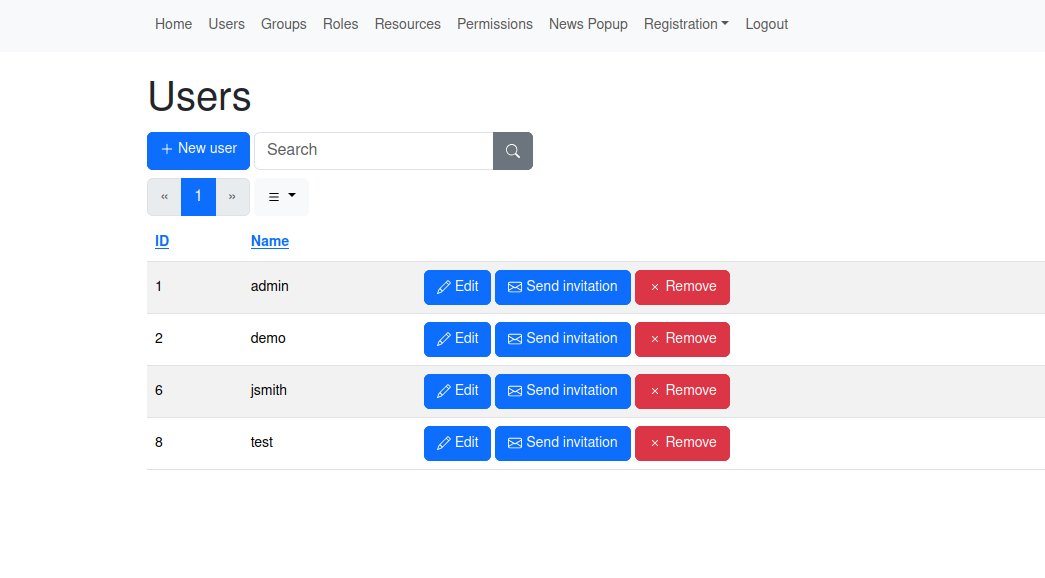
Manage users and permission through a dedicated administration backend.
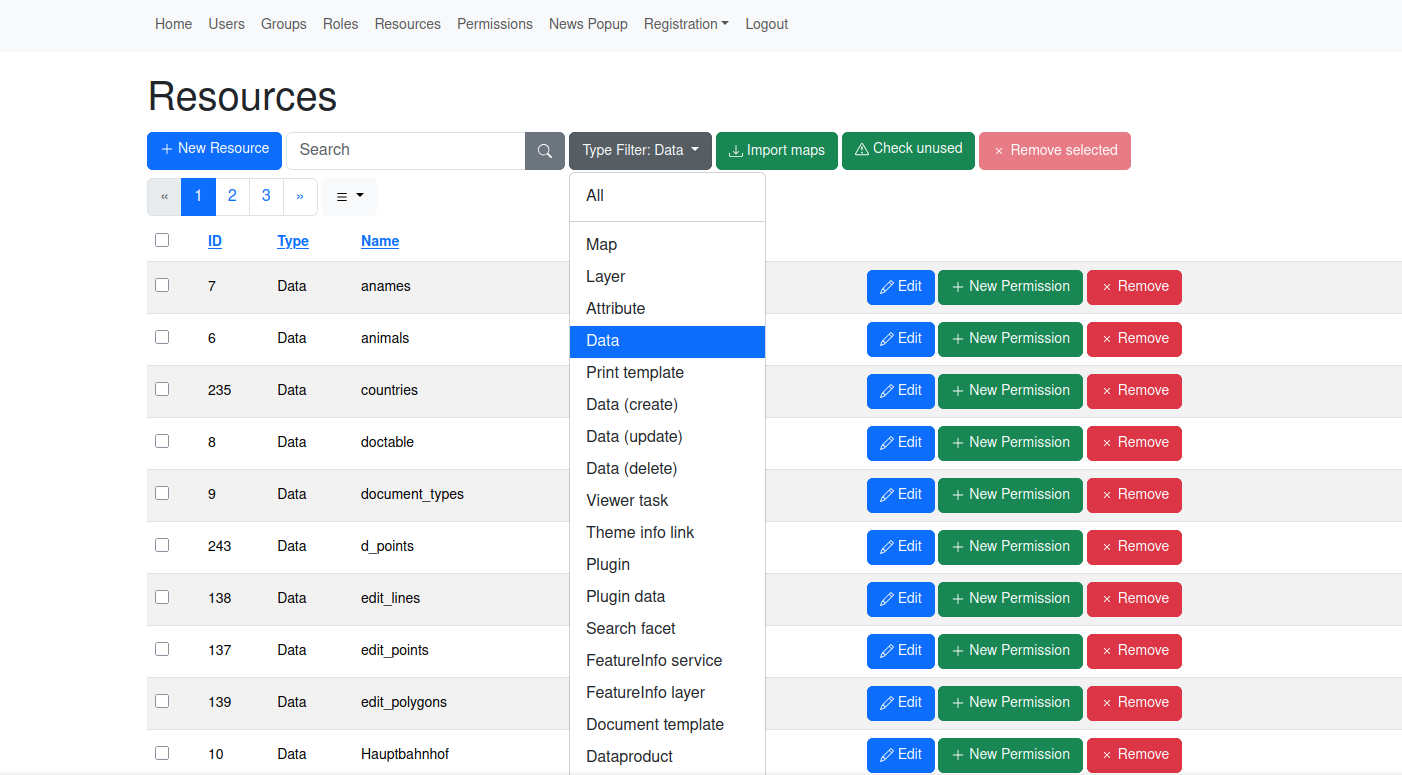
Fine-grained access management for restricting access to maps, layers, attributes and many other resource types.
Manage permissions by assigning permissions to specific roles, which can consist of multiple users and groups.
Choose the authentication provider best suited to your environment.
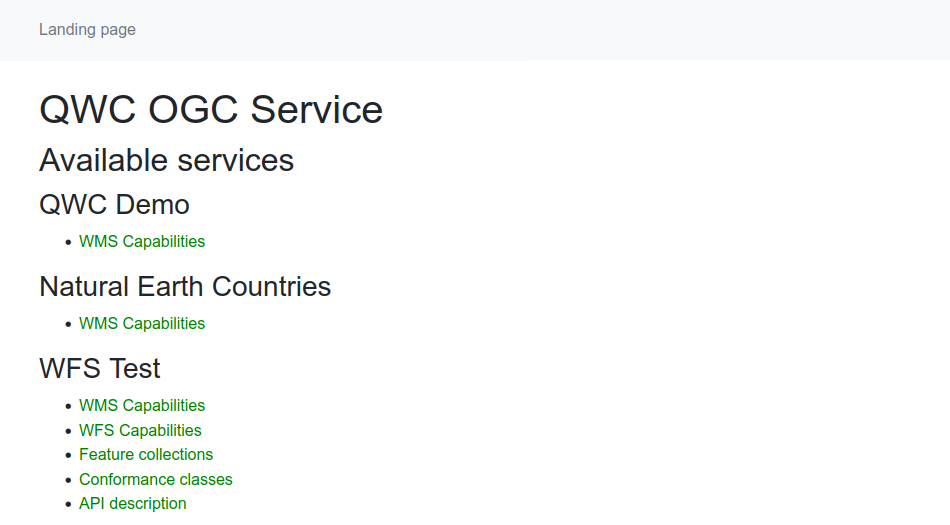
Expose filtered OGC web services with optional Basic-Auth authentication.
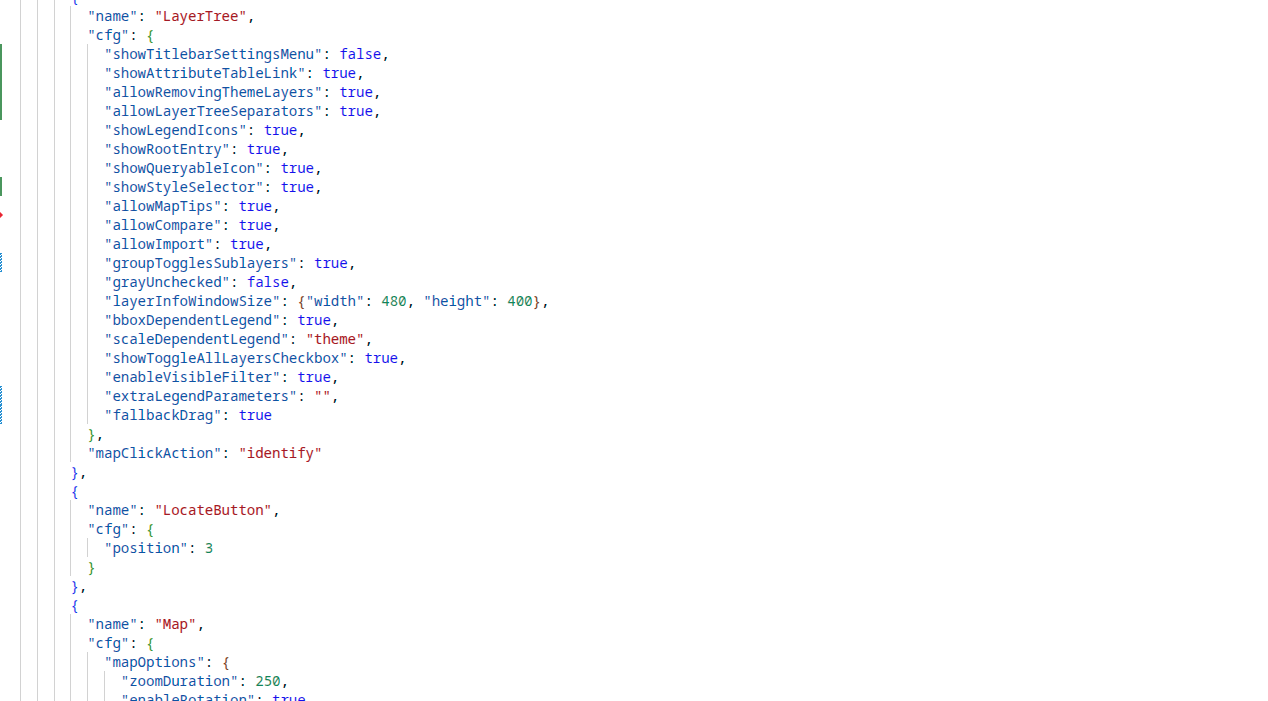
Customize QWC and extend it with custom modules to create the perfect application taylored to your requirements!
QWC is built as modular application which can easily customized to your needs.
QWC can be fully localized and numerous application translations out of the box!
Integrate QWC into and control it from a parent website.
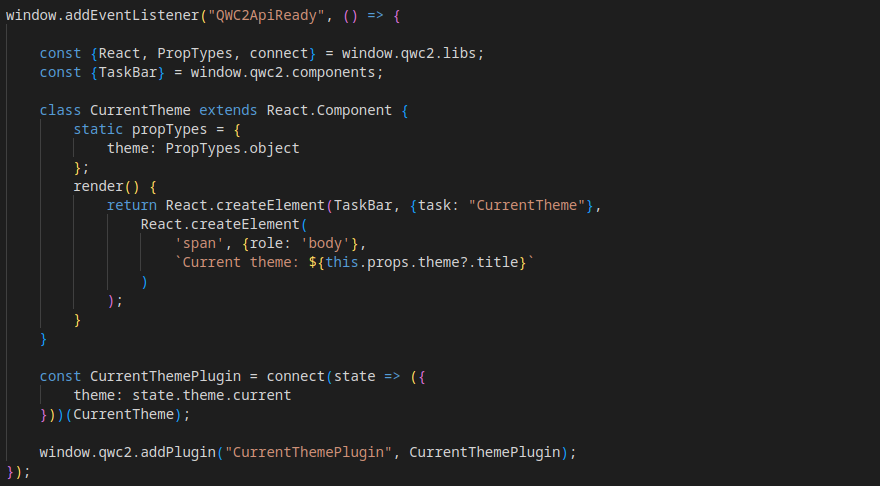
Add custom plugins to a tailored custom build or the standard app via the API.
Ship separate of flavours of the application from a single deployment.